

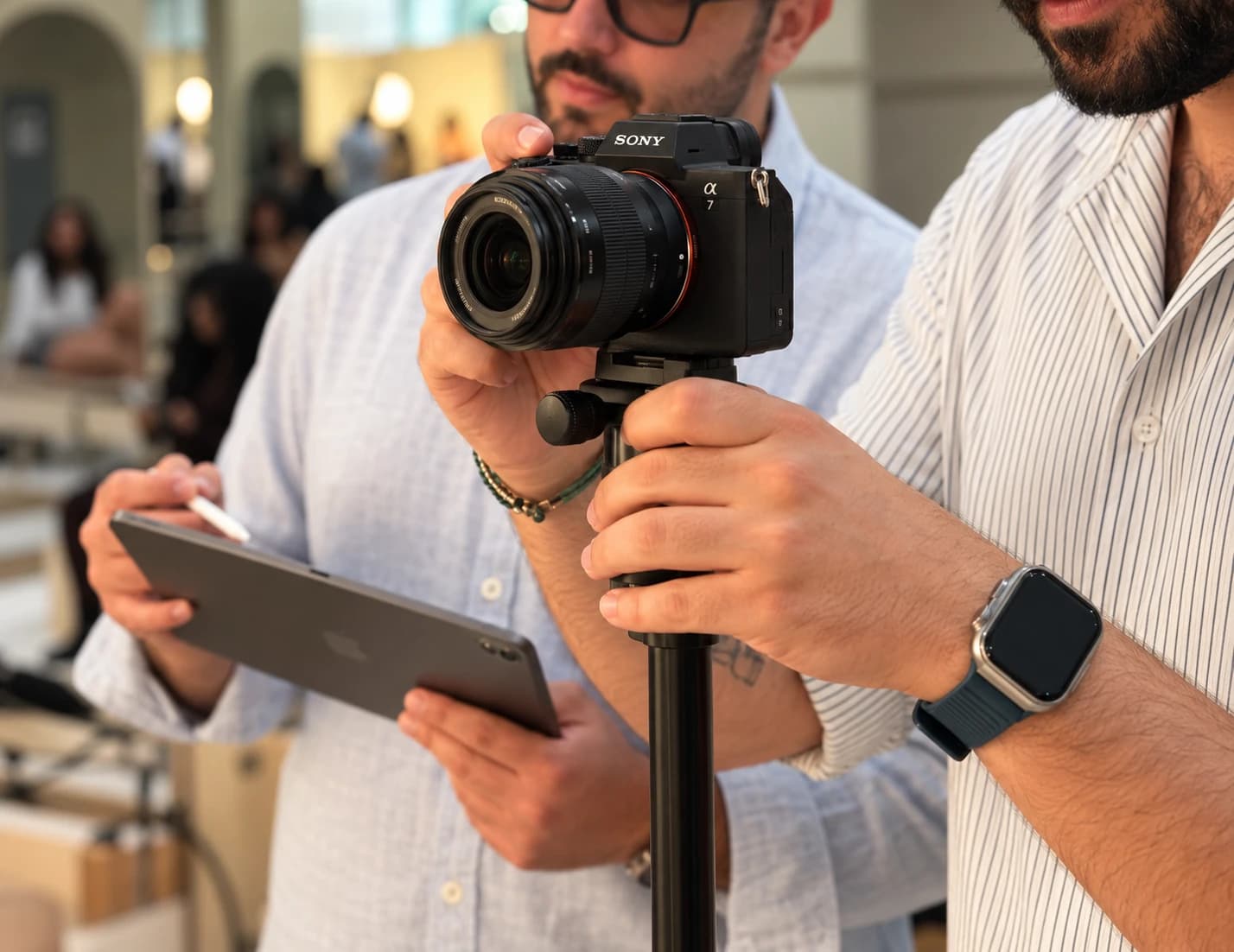
A productive content day starts with the publishing plan. Decide which questions, products and offers the footage needs to cover, then build a shot list and editing brief around them. One session can support multiple posts when there is enough variety and the information remains relevant throughout the month.
Work backwards from the calendar
List the business priorities for the period: launches, available products, customer questions, promotions and events. Mark anything that needs fresh footage close to its publishing date. That tells you which ideas can be produced together and which should be scheduled separately.
Choose a few useful content themes. A venue might need an introduction, an offer and an experience preview. A dealership might need model education, staff expertise and a promotion. Themes give the shoot a purpose and prevent several edits from repeating the same message.
A month's worth of content is a planning target, not a guaranteed output from any shoot length. The number of locations, contributors and ideas determines how much a session can realistically cover.
Give each idea a job
An edit brief needs more than a topic. Write down the viewer, the point the piece makes and the action or understanding it should leave behind. The following is an illustrative content mix.
| Content role | What to capture | What the edit should do |
|---|---|---|
| Introduction | The space, people and a clear explanation | Help a new customer understand the business |
| Education | A useful demonstration or answer | Resolve a real question |
| Offer | The product or experience and confirmed details | Make the reason to act understandable |
| Proof | The actual process, finished work or customer context | Show how the promise is delivered |
| Personality | Natural interactions or a planned social idea | Make the business recognizable |
Build a shot list that supports the edits
For each idea, identify the essential action, spoken point and supporting shots. Record the framing and sound requirements. A demonstration needs enough coverage to make the steps clear; an offer may need a clean product view and precise spoken details.
Plan alternative openings and useful cutaways while the setup is ready. These can give the editor options without forcing another shoot for a missing angle. Include transitions and establishing shots when they help the viewer understand the place or process.
WebRise's food and automotive projects show the value of varied coverage. Food details, people and product demonstrations require different camera positions and preparation. The brief should leave room to capture that range.
Prepare the people and location
Confirm access, available products, staff schedules and filming permissions before the crew arrives. Give contributors the points they need to cover and enough time to prepare. A person explaining a product should know which claims and details are approved.
Check sound, light, background activity and the order of filming. Group setups that use the same location or equipment, while respecting business operations. For a restaurant, filming should account for service and product preparation; for a showroom, access and customer activity matter.
Keep one person responsible for factual decisions on the day. Fast answers about prices, specifications or availability protect the production schedule and prevent unusable footage.
Plan edit variations deliberately
A single idea may need a short introduction, a longer explanation or a different opening. These variations work when each has a clear purpose. Specify the intended channels, aspect ratios, captioning requirements and approved wording in the editing brief.
Review the finished work on the device and channel where customers will see it. Check sound, subtitle accuracy, readable text and the customer action. Important information should survive the crop and the platform's interface.
Agree who receives the final files, what revisions are included and how the content is organized for publishing. Good file naming and a simple approval record make it easier to use the footage over the following weeks.
Know when to schedule another session
Fresh offers, changing inventory, a new event or a different location may need fresh production. Leave room in the plan for those changes. Reusing footage is useful while it remains accurate and helps tell the story.
Review the first published pieces before planning the next session. Look for questions viewers ask and moments that need a clearer explanation. Those observations make the next brief more specific.
- Confirmed priorities and current offers
- A brief and shot list for each idea
- Location access, contributors and permissions
- An efficient filming order
- Formats, editing requirements and factual checks
- An approval owner and publishing plan
Common questions
Can one shoot really provide a month of posts?
It can support a month when the content themes, production time and editing scope provide enough variety. Changing offers, stock or events may require additional footage.
Should we script every word?
Choose the preparation that suits the idea and contributor. Confirm factual points and the purpose of the piece. Some demonstrations benefit from a structured script, while natural interactions need room to happen.
What should we send a production team before filming?
Share the priorities, intended channels, available people and products, approved factual details, access requirements and the decision maker for reviews.
Put it into practice
Sources and project examples
- WebRise media productionProduction scope and actual campaign work.
- Aseer Time projectFood and product coverage examples.
- Genesis Ottawa projectAutomotive campaign coverage examples.
Practical notes from WebRise's strategy, website and production work.